Play Word Search
Hunt hidden words in a grid of letters, running in any direction.A Word Search hides a list of words inside a grid of letters, and your task is to spot each one and trace it out. Words can run left to right, top to bottom, on the diagonal and - once you turn the difficulty up - backwards, with the empty space packed full of random letters to camouflage them. Find every word on the list and the puzzle is complete. It looks purely like a hunt, but there is real technique to searching well. Rather than scanning every letter, strong solvers hunt for a word's rarer letters, sweep the grid one direction at a time, and use the theme of the list to predict what they are looking for. It is the most relaxing puzzle on the site - no failure state, no clock pressure - while still rewarding a sharp, systematic eye.
You can play Word Search free in your browser here - a grid packed with letters, hiding a themed list of words to find. It is rated relaxing and searchable, and every listed word is always present and findable. Choose from Easy (words across & down), Medium (adds diagonals) or Hard (adds backwards). Your best times and solve counts save automatically, and you can take on the daily challenge whenever you like.
How Word Search works
In short: Hunt hidden words in a grid of letters, running in any direction. The play area is a grid packed with letters, hiding a themed list of words to find, it is rated relaxing and searchable, and every listed word is always present and findable.
Key facts about Word Search
| Objective | Find and mark every word on the list. The puzzle is solved when all the listed words have been located in the grid. |
|---|---|
| Play area | A grid packed with letters, hiding a themed list of words to find |
| Difficulty | Relaxing and searchable |
| Solvability | Every listed word is always present and findable |
| Board options | Easy (words across & down), Medium (adds diagonals), Hard (adds backwards) |
| Category | Word puzzle |
Learn Word Search in five steps
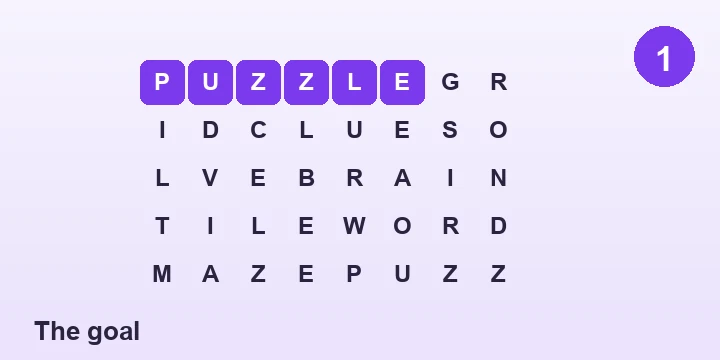
The goal
Find and mark every word on the list. The puzzle is solved when all the listed words have been located in the grid.
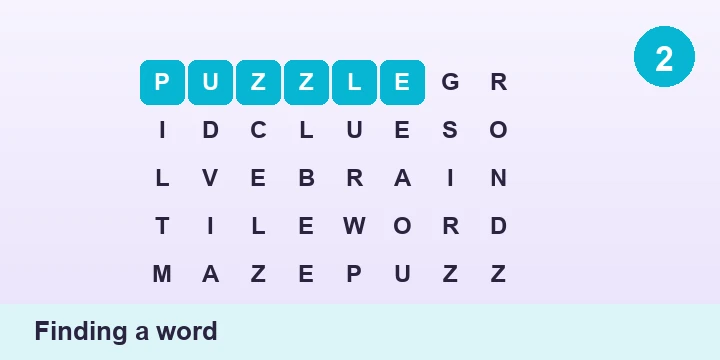
Finding a word
Click or tap the first letter of a word and drag to its last letter. If the straight line you draw spells a listed word, it locks in and gets crossed off the list.
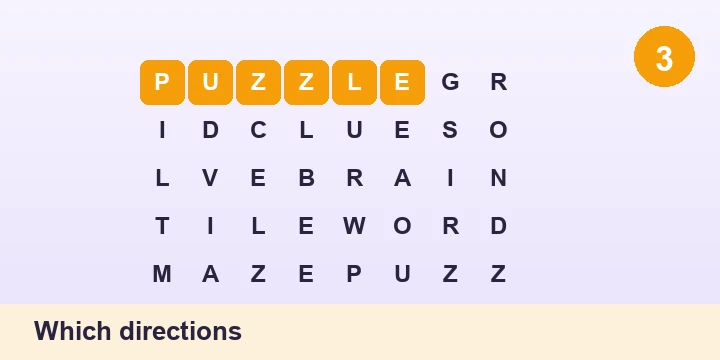
Which directions
Words may run across, down and diagonally, and on harder settings they can also be spelled backwards. The difficulty you pick decides which directions are in play.
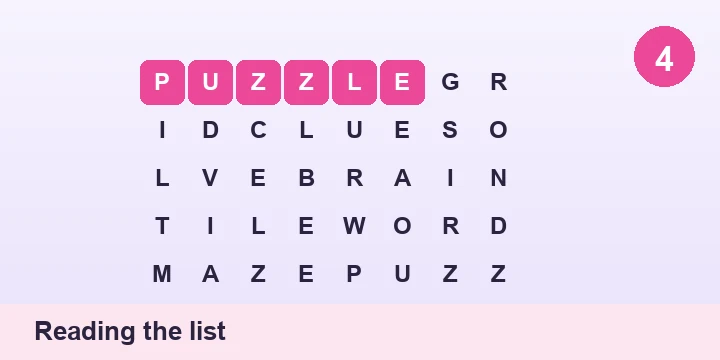
Reading the list
The word list beside the grid is your guide. Words share a theme, so knowing the topic helps you predict letters and spot likely matches faster.
Winning
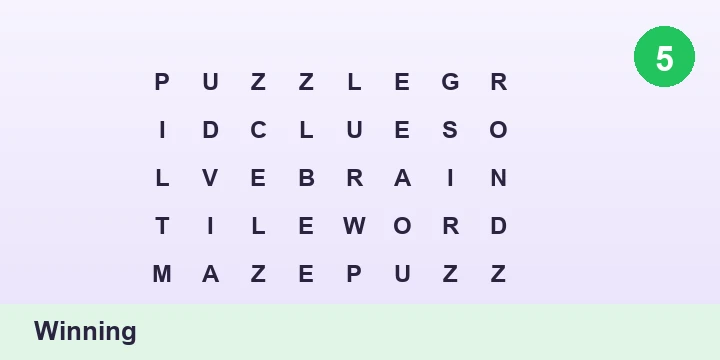
Cross off the final word to complete the puzzle. There is no penalty for a wrong drag, so you can search freely until every word is found.
Where Word Search came from
The word search as we know it is often traced to Norman E. Gibat, who published a grid of hidden words in the Selenby Digest, a free advertising paper in Norman, Oklahoma, in March 1968. Local schoolteachers began copying it for their pupils, and its popularity spread from there.
The format proved perfect for newspapers and cheap puzzle books, requiring nothing but a pencil and offering a relaxing, low-stakes hunt. Publishers grouped the hidden words by theme - animals, countries, film titles - which added a light educational flavour that made word searches a classroom staple.
By the late twentieth century the word search had become one of the most reproduced puzzles in print worldwide, and it moved naturally onto screens, where drag-to-select made tracing a found word effortless. Its enduring appeal is its calm: a puzzle you can always finish, at whatever pace you like.
Tips to solve Word Search faster
💡 Best move: Hunt for uncommon letters first - a Q, X, Z, J or K in a word gives you a rare anchor to scan for, and there are far fewer of them cluttering the grid.
- Search one direction at a time. Sweep the whole grid left to right looking only for horizontal words, then top to bottom, then the diagonals, so your eyes never have to check everything at once.
- Use the theme. Because the words all belong to one topic, the list primes you to recognise letter patterns and word shapes before you have even found them.
- Scan for double letters and distinctive pairings from the list; a repeated letter or an unusual combination stands out from random filler.
- Cross off each word the moment you find it and glance at what remains, so your effort stays focused on the words still hiding.
- On the hard setting, remember words can be reversed - if a word will not appear forwards, deliberately read promising lines from the far end backwards.
Sharper tactics for Word Search
- Anchor on first-and-last letters together: pick a word, find every place its rare starting letter appears, and check only whether its ending letter sits the right distance away in a straight line.
- Work the border inward. Words that touch an edge have fewer possible directions, so clearing the perimeter first removes easy finds and shrinks the search area.
- Let the filler help you. Once you have crossed off most of the list, the remaining hidden words are surrounded by letters you have already scanned, making the last few faster, not slower.
- For diagonal-heavy puzzles, tilt your search: consciously trace the four diagonal directions as their own passes rather than hoping to catch them during horizontal scanning.
- Predict word length from the list and look for straight runs of exactly that many uninterrupted cells, which rules out most of the grid at a glance.
Mistakes that trip people up
- Scanning every letter at once - search one direction at a time, sweeping for horizontal words, then vertical, then diagonal.
- Hunting words by their first letter - target the rare letters like Q, X and Z instead, which give you far fewer places to check.
- Forgetting words can be reversed on hard mode - if a word will not appear forwards, deliberately read promising lines from the far end.
- Ignoring the theme - the shared topic primes you to recognise the words, so read the list and let it guide what shapes you look for.
Ways to play Word Search
Straight-lines only
The gentlest form, with words placed only across and down - ideal for younger solvers and quick rounds.
With diagonals
The standard puzzle-book style, where words also run on the diagonal and the grid takes real scanning to clear.
Backwards words
The tough setting where words can be reversed in any direction, defeating anyone who only reads left to right and top to bottom.
Themed and hidden-message grids
Puzzles where the leftover letters spell a bonus phrase once every listed word is crossed off, adding a satisfying final twist.
Word Search questions, answered
Can word search words go in any direction?
It depends on the difficulty. On the easy setting words run only across and down. Medium adds diagonals, and hard also allows words to be spelled backwards in any of those directions. Every listed word is always present in one of the allowed directions.
What is the fastest way to solve a word search?
The most efficient method is to hunt for each word's rarest letter and to search one direction at a time rather than scanning the whole grid at once. Rare letters like Q, X and Z give you scarce anchor points, and single-direction sweeps stop your eyes from doing redundant work.
Are all the words really hidden in the grid?
Yes. Every word on the list is guaranteed to be placed in the grid in an allowed direction, so no word is ever missing. The surrounding letters are random filler chosen to disguise the real words, but they never hide a word that is not there.
Do word searches help your brain?
Word searches are a gentle workout for visual scanning, pattern recognition and vocabulary. They are low-stress and require no risk-taking, which makes them a popular, calming activity that still keeps your eyes and word recognition active.
Why can't I find the last word?
The last word is often the hardest because it may run in the direction you are least scanning - frequently a backwards or diagonal placement. Try deliberately reading likely lines from the opposite end, and search for the word's least common letter rather than its first.
How is the difficulty set?
Difficulty comes from how many directions the words can take and how they overlap. Easy uses only horizontal and vertical placement, medium introduces diagonals, and hard adds reversed words, each step making the grid harder to scan systematically.
Who invented the word search?
The modern word search is usually credited to Norman E. Gibat, who published one in the Selenby Digest in Norman, Oklahoma, in 1968. It caught on with local teachers as a classroom activity and spread rapidly into newspapers and puzzle books.
Still curious about Word Search? Browse the full puzzle FAQ, look up a term such as word puzzle in the puzzle glossary, or compare Word Search with the other games in the rules for every puzzle.
Last updated .